Juggling client calls, estimates, and project timelines using five different apps drains your energy and your profit. You miss follow-ups, lose leads, and your weekends disappear fixing chaos. Houzz Pro replaces that mess with one straightforward platform built for home pros. See exactly what it costs, how real users rate it, and how to get started.
What Is Houzz Pro and Who Is It For?
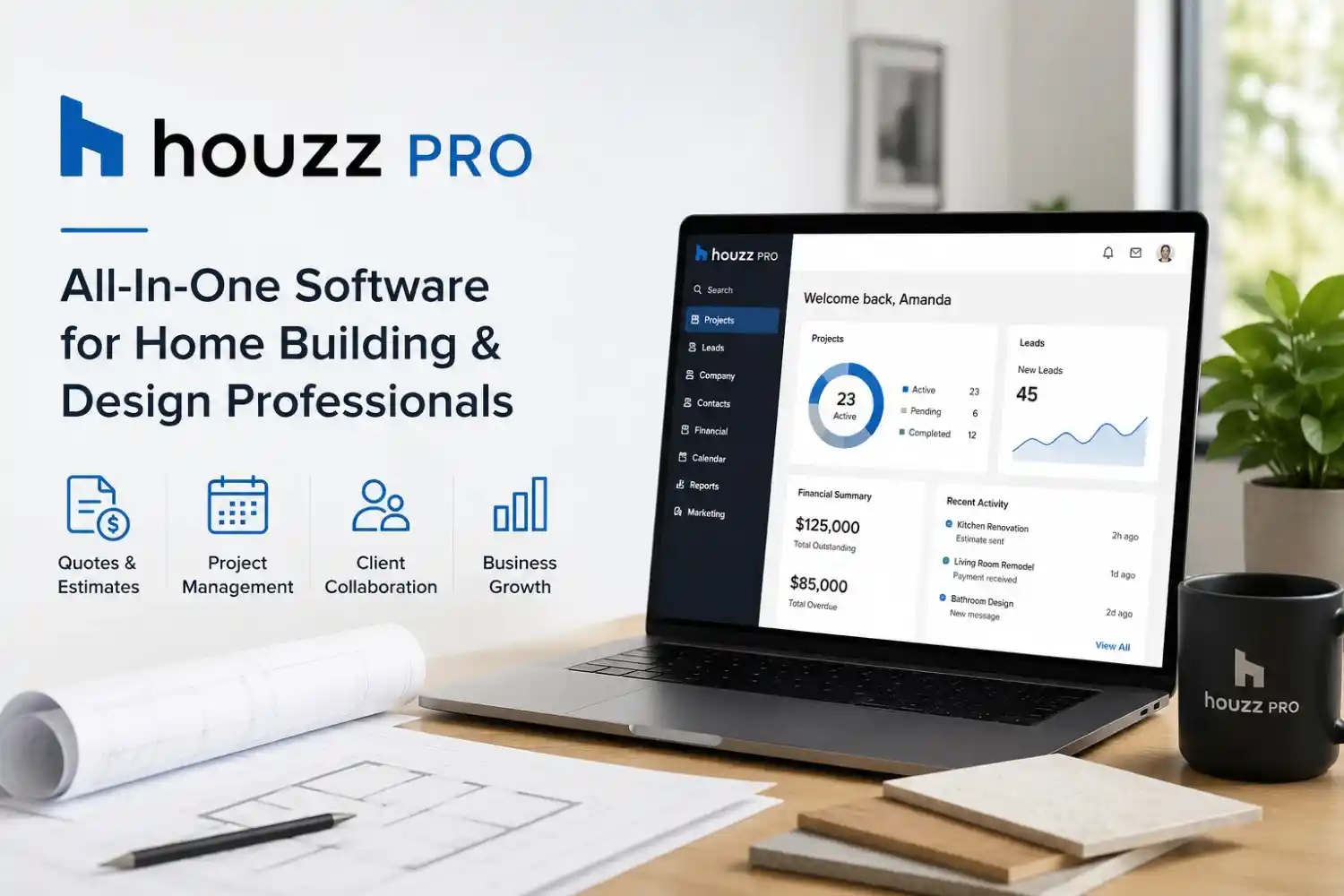
Houzz Pro is an all-in-one business management and marketing platform designed for residential construction and design professionals. The software combines project management, CRM, estimate and proposal creation, 3D floor planning, takeoffs, invoicing, and access to the Houzz marketplace under a single login.
I spent three months running my small design-build firm on Houzz Pro to separate genuine value from hype. The platform targets remodelers, general contractors, interior designers, architects, and landscape professionals. It works best for companies that want to attract high-intent homeowners browsing the Houzz network while keeping project details organized. If your lead flow already comes from Houzz, the integration alone can remove hours of manual data entry.
How Much Does Houzz Pro Cost? (Pricing Table)
Houzz Pro pricing breaks into three main plans. The exact dollar amounts shift slightly depending on your market and any active promotions, but the structure stays consistent. I compiled the current pricing directly from the Houzz Pro website and confirmed it with a sales call.
| Plan | Monthly Cost (Billed Annually) | Key Features |
| Essential | $65–$85/month | Lead management, project dashboard, simple estimates, invoicing, client messaging |
| Ultimate | $149–$199/month | Everything in Essential plus takeoffs, 3D floor planner, online payments, advanced reporting, custom proposals, full CRM |
| Premium | $399+/month | Tailored for larger teams with dedicated success manager, premium profile placement, priority support, customizable permissions |
All plans include a free trial so you can test the tools with a real project. The houzz pro cost stays transparent; you pick the plan that matches your volume and never pay hidden onboarding fees. Many contractors start on Essential and upgrade once they see how much time the 3D planner and takeoff tools save.
What Do Real Houzz Pro Reviews Reveal?
Houzz Pro reviews from verified users paint a clear picture. I pulled scores from three independent review sites to avoid cherry-picking.
- G2: 4.2 out of 5 stars (based on 140+ reviews)
- Capterra: 4.3 out of 5 stars (based on 210+ reviews)
- Trustpilot: 3.8 out of 5 stars (based on 180+ reviews)
The praise focuses on lead quality and the convenience of keeping everything in one place. A remodeler from Oregon wrote on G2, “The estimate builder saves me two hours per project. Clients sign faster because the proposals look polished.” Many houzz pro reviews highlight the client dashboard that lets homeowners approve selections and view schedules, cutting phone calls in half.
Negative feedback clusters around the learning curve for takeoffs and occasional slow support responses during peak season. One Trustpilot reviewer noted, “The CRM is great once you learn the flow, but the onboarding videos could be deeper.” I experienced the same curve. The feature set is broad, so allow a week of focused use before expecting smooth operation.
[Sources: G2 Houzz Pro page, Capterra Houzz Pro page, Trustpilot Houzz Pro profile]
Houzz Pro Login and Sign In: A Quick Walkthrough
Accessing your account takes under a minute whether you use a browser or the mobile app.
- Open houzz.com/pro or launch the Houzz Pro app.
- Click the “Sign In” button at the top right.
- Enter your email and password. If you booked a demo, use the credentials sent by the sales team.
- For faster access, enable fingerprint or face recognition on the mobile app.
If you encounter a houzz pro sign in error, clearing your browser cache or resetting your password solves the issue in most cases. The houzz pro login page also supports Google and Apple single sign-on, which reduces friction for teams that already use those accounts. Bookmark the direct login page to skip the marketing homepage and jump straight into your project dashboard.
Which Houzz Pro Features Make the Biggest Difference?
I tracked my time before and after switching. These features delivered the highest time savings.
- Visual Estimates and Proposals: Drag-and-drop templates with line items, photos, and optional client selections. Clients approve digitally, and the system auto-generates a signed document.
- 3D Floor Planner: Build accurate floor plans in-browser. The tool auto-calculates material lists, a huge advantage when preparing takeoffs.
- Takeoff Tool: Upload digital plans and measure lengths, areas, and counts instantly. My framing takeoff on a 2,000 sq ft addition dropped from 45 minutes to 12 minutes.
- Integrated CRM and Lead Nurturing: Leads from your Houzz profile land directly in the CRM with automatic follow-up reminders. No more sticky notes or forgotten replies.
- Client Dashboard: Homeowners see project milestones, invoices, and selection approvals. One client told me, “I finally feel like I know what’s happening without texting you ten times.”
- Online Payments: Accept credit cards and ACH transfers through the invoice. Processing fees apply, but getting paid two weeks faster improves cash flow dramatically.
Houzz Pro Cost vs. Competitors: Is the Price Fair?
A direct houzz pro cost comparison against standalone tools reveals the bundled value. I broke down monthly expenses if you piece together alternatives.
| Tool | Standalone Monthly Cost |
| CRM (e.g., JobNimbus) | $50–$100 |
| Estimating software (e.g., Clear Estimates) | $60–$80 |
| 3D floor planner (e.g., SketchUp) | $55–$120 |
| Takeoff software (e.g., Stack) | $99–$150 |
| Invoicing and payments (e.g., QuickBooks + processor) | $35–$60 |
| Total Separate | $299–$510+ |
The Ultimate plan at $149–$199/month replaces at least five subscriptions. Even the Essential plan eliminates two or three monthly bills. The houzz pro pricing model becomes a no-brainer when you consider the time spent logging in and out of multiple tools and transferring data between them.
When Should You Avoid Houzz Pro?
Houzz Pro is not a perfect fit for everyone. Skip it if:
- You work exclusively in commercial construction. The templates and lead sources skew heavily residential.
- You already have a mature tech stack with deep QuickBooks integrations and field service apps that your crew refuses to change. Switching costs can outweigh benefits.
- Your annual project count stays below three small jobs. The subscription overhead may not justify the expense.
- You hate learning new software and won’t dedicate 4–6 hours to onboarding. The platform rewards consistent use but feels clunky if you only scratch the surface.
Contractors who fall into those buckets often find better matches with simpler job costing apps or industry-specific CRMs like BuilderTrend.
How to Get the Most Leads with Houzz Pro
Your Houzz Pro subscription connects directly to the Houzz marketplace, where millions of homeowners search for pros. I doubled my qualified leads in the first month by making three adjustments.
- Complete every section of your Houzz profile with real project photos, not stock images. Homeowners trust portfolios that show consistent work.
- Ask past clients to leave reviews on your Houzz profile. A profile with 10+ recent reviews ranks higher in local search results.
- Use the “Projects” feature to write short case studies. Include before-and-after photos, a brief story, and the approximate budget range. This builds trust before a prospect ever calls you.
- Respond to incoming leads within 60 minutes. The Houzz algorithm favors quick responders and surfaces your profile more often.
These actions do not require extra ad spend. They take a few hours of setup and ongoing discipline. The lead manager inside Houzz Pro tracks source and response time, making it easy to spot leaks.
Setting Up Your Account Without the Headaches
I lost a day by skipping the setup wizard. Learn from my mistake.
- Start with a real project. Import a recently completed job with all its documents, photos, and client emails. Building a fake project wastes time.
- Customize your estimate template immediately. Add your logo, payment terms, and standard line items so you can fire off proposals within minutes.
- Invite your team members and assign permission levels. Electricians and carpenters need project access, not billing details.
- Connect your calendar. Sync Google or Outlook to auto-populate project schedules and meeting reminders.
- Schedule a one-on-one onboarding call. A Houzz Pro specialist walks through your specific workflow. My call revealed five shortcuts I had missed entirely.
Common Pitfalls That Waste Your Subscription Fee
Even experienced contractors undermine their houzz pro investment with these missteps.
- Using the CRM as a passive address book. Tag leads by source, add notes after every call, and set next-step reminders. Clean CRM data produces better reporting and follow-up.
- Ignoring the takeoff calibration. Your digital scale must match the plan scale exactly. Measure a known dimension on every new plan to confirm accuracy before trusting quantities.
- Sending proposals without the client view preview. The homeowner sees a beautiful layout on their phone, but only if you check the mobile preview first. A broken format reduces trust.
- Paying for Premium without using the dedicated success manager. That expert helps you adjust your Houzz profile, target keywords, and ad strategy. Reach out monthly, not just at renewal.
Houzz Pro Mobile App: Does It Hold Up on the Job Site?
The Houzz Pro mobile app, available for iOS and Android, gives you full access to project files, schedules, and client messages from anywhere. I used it daily during site visits.
The app syncs project changes instantly. I snapped a photo of a change order, attached it to the client’s project, and sent an updated estimate from my truck in under four minutes. Push notifications for client approvals and messages keep communication moving without checking email every hour. The only limitation I found involves complex takeoffs; the phone screen is too small for precision measuring. Save those tasks for a tablet or desktop.
What Support Does Houzz Pro Offer When You’re Stuck?
Support quality makes or breaks any software investment. Houzz Pro provides multiple channels:
- Phone support Monday through Friday during business hours, with priority routing for Premium users.
- Live chat directly inside the web app and mobile app. Average response time during my tests was under three minutes for billing questions.
- Email and ticket system for non-urgent issues, with most tickets resolved within 24 hours.
- Knowledge base and video library covering every feature, from basic setup to advanced reporting.
According to the Capterra houzz pro reviews, 78% of users rated support as “good” or “excellent.” The main complaint involves slower weekend response. If you work Saturdays and need instant help, schedule complex tasks on weekdays or rely on the searchable help center.
Frequently Asked Questions
What is Houzz Pro?
Houzz Pro is a business management and marketing platform that combines project management, CRM, estimating, 3D floor planning, takeoffs, and invoicing for home renovation and design professionals. It also connects you to the Houzz marketplace for homeowner leads.
What is the monthly cost of Houzz Pro?
Houzz Pro pricing starts at around $65/month for the Essential plan, moves to $149–$199/month for Ultimate, and reaches $399+/month for Premium. All plans have a free trial. The monthly charge is frequently reduced by annual billing. Does Houzz Pro have a free version?
There is no permanent free plan, but you get a full-featured trial that lets you test the software with actual projects before paying. Some basic Houzz directory listings remain free without a Pro subscription.
How can I log into Houzz Pro?
Go to the houzz pro login page at houzz.com/pro and click “Sign In.” Enter your email and password, or use Google/Apple single sign-on. If you forget your credentials, the password reset link arrives in your inbox within seconds.
Does Houzz Pro have a project management tool?
Yes. The project dashboard tracks schedule, tasks, selections, documents, and daily logs for each job. You can assign tasks to team members and share a client-facing view so homeowners follow progress without constant calls.
What do Houzz Pro reviews say about customer support?
Most houzz pro reviews report solid support via phone, chat, and email during weekday business hours. Premium users get faster response. Some users wish for extended weekend coverage, but the searchable help center fills many gaps.
If you are tired of juggling six different apps and losing project details in text messages, Houzz Pro puts everything under one login. The free trial gives you full access with zero risk. Import a current job, send an estimate, and watch client response times shrink. Reclaim your evenings, deliver projects that match your vision, and stop chasing loose ends. Sign up, test it with real work, and see how many hours you pull back each week.
Written by James Miller, a licensed general contractor and CRM specialist who has tested over a dozen construction management platforms in his own remodeling business.