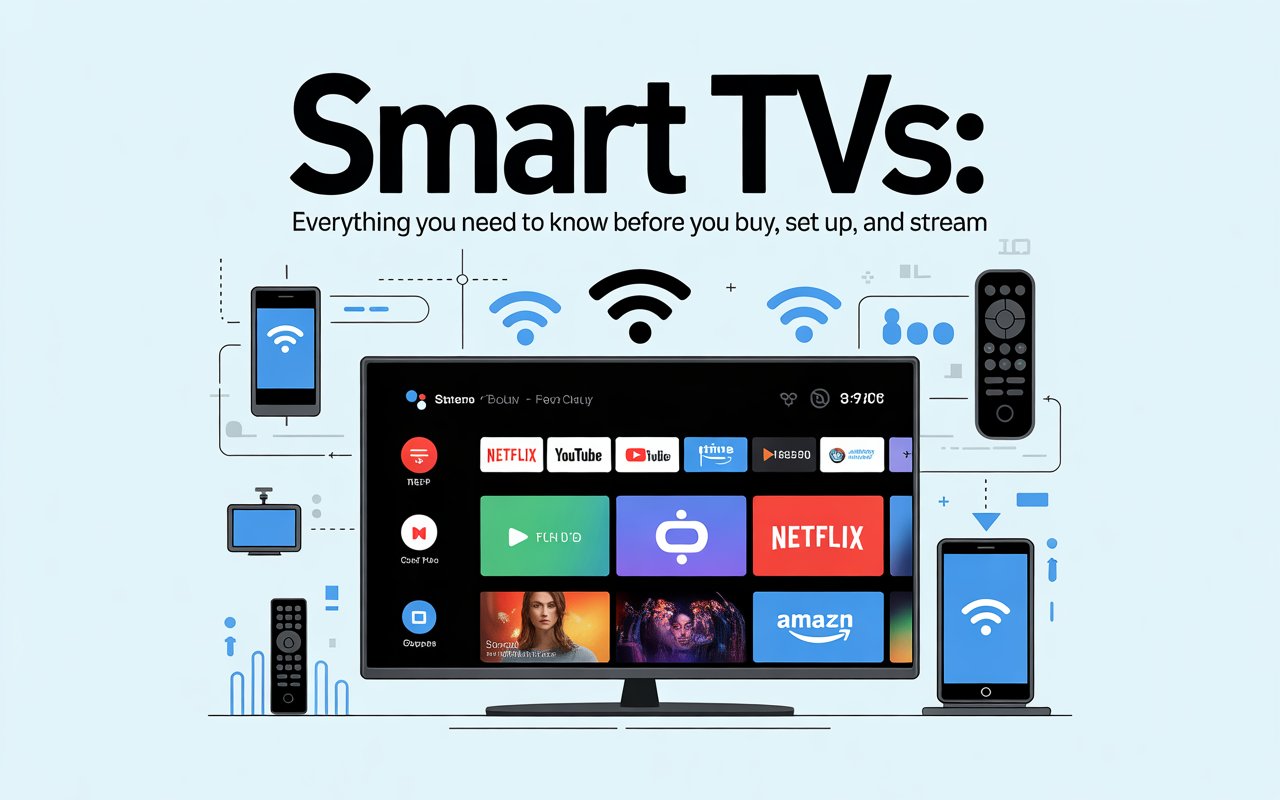
There was a time when a television was just a box in the corner of your living room — you turned it on, flipped through a handful of channels, and that was that. Fast forward to today, and your Smart TVs can browse the internet, recognize your voice, suggest what to watch next, and even let you video call your family across the world. Welcome to the age of the Smart TV, where your screen is no longer just a display — it’s a full-blown entertainment hub. But with so many options, features, and buzzwords floating around, it’s easy to feel overwhelmed. So let’s break it all down together, in plain language, so you can make the most of this technology whether you already own one or are thinking about buying one.
What Exactly Is a Smart TV?
Let’s start with the basics. A Smart TV is essentially a television with built-in internet connectivity and a computing platform — think of it like a smartphone, but for your wall. Just as your phone can run apps, stream videos, and connect to Wi-Fi, so can a Smart TV. The “smart” part comes from the operating system running inside it, which allows the screen to do far more than just display cable or satellite broadcasts.
The core difference from a regular TV lies in what happens when the signal stops. With an old-fashioned set, you’d be stuck watching whatever was playing. With a Smart TV, you can switch over to Netflix, pull up YouTube, open a web browser, or even mirror your phone’s screen — all without needing any additional device plugged in.
Most modern Smart TVs come with a remote that has dedicated buttons for popular streaming platforms, and many now include voice-activated controls. So whether you’re the type who loves gadgets or you just want to press fewer buttons, there’s likely a Smart TV that suits your lifestyle perfectly.
How Does a Smart TV Actually Work?
Here’s a simple way to think about it: imagine your Smart TV as a giant tablet mounted on a stand. Underneath that sleek screen is a processor, memory, storage, and an operating system — all the ingredients that make a computer run. When you connect it to your home Wi-Fi, it gains access to the internet, and from there, the possibilities expand dramatically.
The operating system is the heart of the experience. Different manufacturers use different platforms. Samsung uses Tizen, LG relies on webOS, Sony has Google TV, and many budget brands use Android TV or Roku. Each of these platforms has its own interface, its own app store, and its own way of organizing content. Some are slicker and faster than others, but they all do the same fundamental job: they let you download and run apps, browse content, and connect to online services.
The TV communicates with your router wirelessly (or via an ethernet cable for a more stable connection), and once that bridge is established, streaming video becomes as simple as tapping a button. Content is delivered in real time from remote servers to your screen — that’s what streaming actually means. No file is saved to your TV; the data flows in, plays, and disappears.
The Operating Systems Behind the Magic
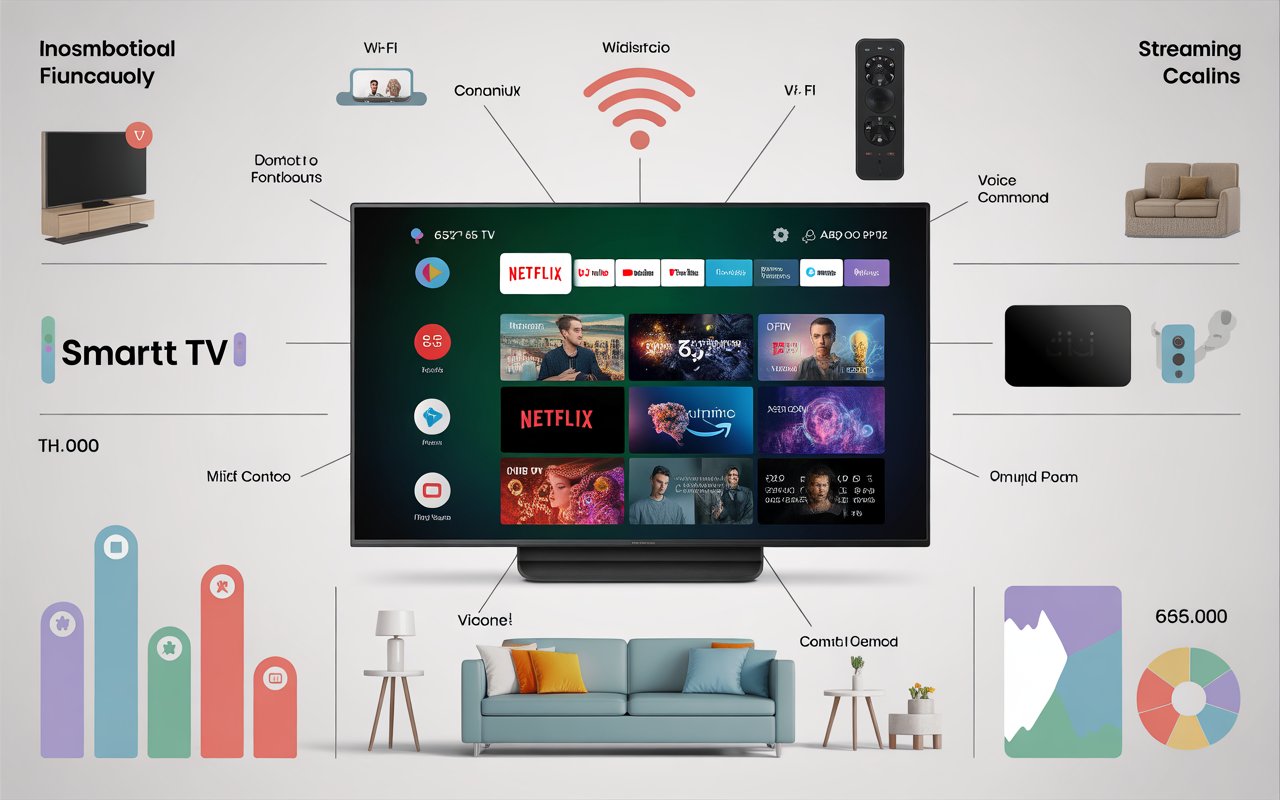
Not all Smart TVs speak the same language. The platform your TV runs on will shape your entire experience — from how fast it feels to which apps are available to how easy it is to find something to watch.
Samsung’s Tizen is one of the most polished platforms on the market. It’s fast, well-organized, and integrates smoothly with Samsung’s broader ecosystem of phones and appliances. If you’re already in the Samsung family, Tizen feels like home.
LG’s webOS is beloved for its user-friendly card-based interface and smooth performance. It’s particularly good at letting you juggle multiple inputs and apps without confusion, which makes it popular with users who connect several devices to their TV.
Google TV (found on Sony and some other brands) has the advantage of deep integration with Google’s services — YouTube, Google Assistant, Google Photos, and the entire Android ecosystem. If your life already revolves around Google, this platform will feel like a natural extension of that.
Roku TV is arguably the simplest of them all. It’s clean, fast, and almost completely neutral — meaning it doesn’t push you toward any particular streaming service. For people who want to pick and choose their subscriptions without feeling nudged, Roku is a great option.
The lesson here? Before buying a Smart TV, look beyond the screen size and resolution. Spend time thinking about which platform will actually suit how you live and what you already use.
Streaming Services: The Content Buffet at Your Fingertips
One of the biggest reasons people upgrade to a Smart TV is access to streaming platforms. Gone are the days of waiting for your favourite show to air at a specific time. Now, you watch what you want, when you want — and the variety is staggering.
The major players include Netflix, Amazon Prime Video, Disney+, Apple TV+, HBO Max, Hulu, and Peacock. Each one has its own library of original content along with licensed films and series. Most Smart TVs come with apps for all of these pre-installed, so setup is usually just a matter of signing in with your existing account.
But here’s something worth considering: the cost of streaming can creep up on you. If you subscribe to four or five services at once, you might find yourself spending more than you ever did on cable. The smart approach — pun intended — is to rotate subscriptions based on what you’re currently watching, rather than keeping everything active all year round.
Beyond the paid services, there’s a growing world of free, ad-supported streaming. Platforms like Tubi, Pluto TV, and Peacock’s free tier offer thousands of hours of content without charging a monthly fee. If you’re budget-conscious, these are absolutely worth exploring.
Voice Control and Smart Home Integration
Remember when changing the channel required getting up to physically turn a dial? Today, you don’t even have to pick up the remote. Voice control has become one of the standout features of modern Smart TVs, and once you get used to it, going back feels impossible.
Most Smart TVs now support at least one major voice assistant — Amazon Alexa, Google Assistant, or a proprietary system like Samsung’s Bixby. You can ask your TV to search for a movie, adjust the volume, switch inputs, or check the weather. Some integrations go even deeper: if you have smart lights, thermostats, or security cameras, your TV can become a control hub for your entire home.
Think of it like this: your Smart TV can become the conductor of a small digital orchestra, with all your smart home devices playing in harmony at your command. You walk in, say a few words, and the lights dim, the TV turns on, and your favourite playlist begins — all without pressing a single button.
Of course, voice control isn’t perfect. Background noise, accents, and unusual titles can occasionally trip up even the best assistants. But the technology is improving rapidly, and for most everyday tasks, it works remarkably well.
Picture Quality: Resolution, HDR, and All That Jargon
When you walk into an electronics store, you’re confronted with acronyms everywhere — 4K, 8K, OLED, QLED, HDR, Dolby Vision. It’s enough to make your head spin. Let’s decode the most important ones.
Resolution refers to the number of pixels on the screen. The more pixels, the sharper the image. Most Smart TVs sold today are 4K (also called Ultra HD), which means the screen has about 8 million pixels. That’s four times more than the older 1080p Full HD standard. The result is a noticeably crisper, more detailed picture, especially on larger screens.
HDR (High Dynamic Range) is arguably more impactful than resolution. It determines how bright the brightest parts of the image can be and how dark the darkest parts can get. HDR content has more colour depth and contrast, making sunsets look truly golden and night scenes genuinely shadowy. Look for HDR10 or Dolby Vision support when shopping — both are excellent standards.
OLED vs. QLED is the great display debate. OLED screens can switch individual pixels completely off, producing perfect blacks and exceptional contrast. QLED screens (found in Samsung TVs) use a quantum dot layer to enhance colour and brightness. OLED tends to win on contrast; QLED often wins on peak brightness. Both are outstanding, and the right choice depends on your room’s lighting conditions and viewing habits.
Connectivity: What Can You Actually Plug In?
A Smart TV isn’t just about wireless streaming — it’s also a versatile hub for all your physical devices. The number and type of ports on the back of your television matter more than most people realise until they’re trying to connect everything at once.
HDMI ports are the most important. A good Smart TV should have at least three or four. You’ll use them for gaming consoles, soundbars, Blu-ray players, and laptop connections. Make sure at least one of the HDMI ports supports the latest HDMI 2.1 standard if you have a modern gaming console — it unlocks features like 4K at 120 frames per second.
USB ports let you play media directly from a flash drive or hard drive. This is handy for viewing your own photos, home videos, or music without needing an internet connection.
Bluetooth and Wi-Fi handle the wireless side. Bluetooth lets you pair wireless headphones for late-night viewing without disturbing others — a genuinely underrated feature. Wi-Fi 6 compatibility (found on newer, higher-end models) ensures faster, more stable streaming even when multiple devices are using your network simultaneously.
Gaming on a Smart TV: Is It Worth It?
For gaming enthusiasts, the television is just as important as the console. Smart TVs have come a long way in catering to gamers, and many now include dedicated features that make a real, tangible difference during gameplay.
Input lag is the single most important specification for gamers. It refers to the delay between pressing a button on your controller and seeing the action happen on screen. A TV with high input lag feels sluggish and unresponsive — a real problem in fast-paced games. Look for TVs with a dedicated Game Mode, which reduces processing to minimise this delay. Anything under 10–15 milliseconds is considered excellent.
HDMI 2.1 compatibility brings features like Variable Refresh Rate (VRR) and Auto Low Latency Mode (ALLM), which automatically optimise the TV settings when a gaming console is detected. For PlayStation 5 and Xbox Series X owners, these features are genuinely important.
Many Smart TVs also now include cloud gaming apps — platforms like Xbox Cloud Gaming or NVIDIA GeForce Now — which let you play high-end games without needing a console at all. It’s an exciting frontier, though it does require a very fast and stable internet connection to work well.
Privacy and Security: The Side of Smart TVs Nobody Talks About
Here’s a question worth asking: if your Smart TV is connected to the internet and has a microphone and camera, what exactly is it doing with that access? The honest answer is: more than most people realise.
Smart TVs collect data. Manufacturers and app developers gather viewing habits, voice commands, and browsing behaviour. This data is used to serve targeted advertising and improve recommendation algorithms. It’s the same trade-off you make with your smartphone and social media — convenience in exchange for data.
The good news is that you have options. Most Smart TVs allow you to disable the microphone when it’s not in use, opt out of data collection, and limit ad tracking through the settings menu. It takes a few minutes to explore, but it’s worth the peace of mind.
For households with children, parental controls are another essential feature. You can restrict access to certain content, set viewing time limits, and prevent purchases from the app store without a PIN. Every major Smart TV platform offers these tools — the key is knowing where to find them.
Setting Up Your Smart TV: A Beginner’s Guide
Unboxing a new Smart TV can feel a little daunting if you’ve never done it before, but the process is genuinely more straightforward than it looks. Most modern sets walk you through setup with an on-screen wizard that holds your hand every step of the way.
Start with the physical setup — mount it on the wall or position it on its stand, connect the power cable, and if you’re using a soundbar or external speakers, plug those in via HDMI or optical cable first.
Connect to Wi-Fi by going into the network settings and entering your password. If your router is nearby and your connection is strong, wireless works fine. For the absolute best streaming stability, a wired ethernet connection is preferable, though not always practical.
Sign in to your accounts — your streaming services, your Google or Apple account (depending on the platform), and any other services you use. This typically takes the most time during setup, but once done, you won’t need to repeat it.
Adjust the picture settings for your room. Most TVs ship with overly vivid, brightness-maxed factory settings designed to look impressive in a bright showroom. At home, these settings often look garish. Switch to Cinema or Movie mode for a more natural, comfortable image — your eyes will thank you after long viewing sessions.
How to Choose the Right Smart TV for Your Home
With so many models flooding the market at every price point, picking the right Smart TV can feel like choosing a needle from a haystack. But if you approach it systematically, the decision becomes much clearer.
Start with screen size. The general rule is that your viewing distance (in inches) should be divided by 1.5 to get your ideal screen size. Sitting 90 inches from the screen? A 55–65 inch TV is your sweet spot.
Set your budget first. Smart TVs range from under $200 to well over $3,000. Fortunately, the mid-range segment — roughly $400–$800 — offers exceptional value, with 4K resolution, HDR support, and solid operating systems. You don’t need to spend at the top of the market to get a genuinely great experience.
Think about the room. A bright living room with lots of windows calls for a TV with high peak brightness — QLED models perform well here. A dark, dedicated home cinema room is where OLED truly shines.
Read reviews from real users, not just spec sheets. A TV can look impressive on paper but have a terrible interface or unreliable Wi-Fi module. User reviews, particularly from people who’ve owned the set for six months or more, reveal issues that don’t show up in launch-day coverage.
The Future of Smart TVs: What’s Coming Next?
Technology never stands still, and the Smart TV of 2030 will make today’s models look almost quaint. Several trends are already taking shape that will redefine what we expect from our screens.
Artificial intelligence is deepening its roots in the viewing experience. Future Smart TVs will learn your habits with increasing precision, predicting what you want to watch before you even consciously decide. They’ll also use AI to upscale lower-quality content in real time, making older films look sharper than ever.
Transparent and rollable displays are moving from concept to commercial reality. LG has already demonstrated rollable OLED screens, and transparent TV panels — where the screen is invisible when switched off — are beginning to enter the luxury market. Within a decade, these could become far more mainstream.
Personalised multi-view screens, where different viewers in the same room see different content simultaneously (using glasses or directional audio), are being actively developed. Imagine watching a film while your partner watches sport — on the same screen, at the same time.
The line between television, computer, and smart home controller will continue to blur. Your TV won’t just sit in your living room — it will be the brain of your entire digital home.
Conclusion
Smart TVs have fundamentally changed the way we consume entertainment, connect with the world, and even manage our homes. From voice commands and HDR visuals to cloud gaming and AI-powered recommendations, these devices pack an astonishing amount of technology behind a beautifully thin panel of glass. Whether you’re a casual viewer who just wants easy access to streaming, or a tech enthusiast who wants to squeeze every feature out of your setup, there’s a Smart TV perfectly matched to your needs. The key is knowing what to look for — and now, you do.
Frequently Asked Questions
1. Do I need a Smart TV if I already have a streaming device like a Roku or Fire Stick?
Not necessarily. If you have a streaming stick or box that you’re happy with, a basic television with good picture quality will serve you perfectly well. That said, having everything built into the TV itself simplifies your setup, eliminates extra devices, and often results in a smoother, more integrated experience. If you’re buying a new television anyway, going Smart makes a lot of sense.
2. Can a Smart TV work without an internet connection?
Yes, but with significant limitations. You can still watch live TV through an antenna or cable connection, and you can play content from USB drives. However, all streaming services, voice controls, app updates, and smart home integrations will be unavailable without internet. To get the full Smart TV experience, a reliable broadband connection is essential.
3. How often should I update my Smart TV’s software?
Whenever updates are available, which is typically every few months. Software updates improve performance, fix security vulnerabilities, add new features, and ensure compatibility with the latest streaming apps. Most Smart TVs can be set to update automatically overnight, so you won’t even notice it happening.
4. Are Smart TVs a security risk to my home network?
Like any internet-connected device, Smart TVs carry some security considerations. They can theoretically be a point of entry for hackers if not properly maintained. To minimise risk, keep your TV’s software updated, use a strong Wi-Fi password, disable features you don’t use (like the built-in camera if present), and review the privacy settings in your TV’s menu. For most home users, the risk is low if basic precautions are taken.
5. What’s the difference between a Smart TV and an Android TV?
Android TV is a specific operating system made by Google, used in Smart TVs from several manufacturers including Sony, Philips, and various budget brands. “Smart TV” is a broader term that covers any television with built-in internet capabilities, regardless of which platform it runs. So every Android TV is a Smart TV, but not every Smart TV runs Android — Samsung, LG, and Roku use completely different systems.